Traveling across the ocean doesn’t mean you have to be disconnected from the digital world. Whether you are heading to a tropical island or commuting between coastal cities, staying online is a priority for many modern travelers. However, the big question remains: is it actually possible to maintain a stable internet connection while in the middle of the sea? This guide explores the mechanics of maritime internet and how you can successfully use Wi-Fi on fast boat services during your journey.
Can You Really Connect to the Internet at Sea?
The short answer is yes, but it works differently than the fiber-optic or 4G connections you use at home. When you are on a vessel moving at high speeds, the connection typically relies on two methods: cellular signal boosters or satellite internet.
Most fast boat operators use specialized marine routers that pick up signals from land-based cellular towers. As long as the boat stays within a certain range of the coast, you can enjoy a relatively stable connection. For deeper ocean crossings, advanced vessels utilize satellite technology, ensuring that Wi-Fi on fast boat trips remains functional even when land is out of sight.
Step-by-Step: How to Access Wi-Fi on Fast Boat
Connecting to the onboard network is usually a straightforward process. Follow these steps to ensure a smooth connection:
- Enable Wi-Fi on Your Device: Go to your settings and turn on the Wi-Fi feature.
- Select the Ship’s Network: Look for a network name (SSID) that matches the boat company.
- Enter the Credentials: Some operators provide an open network, while others require a password found on your ticket or displayed on the ship’s digital information screens.
- Complete the Login Portal: In many cases, a “captive portal” will pop up. You might need to enter your seat number or email address to activate the session.
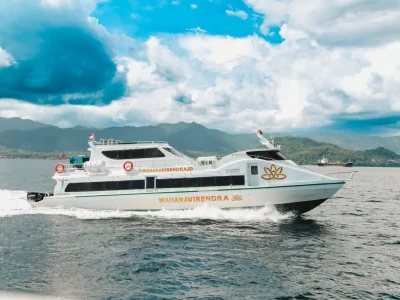
Experience Premium Travel with Wahana Virendra
When it comes to combining high-speed travel with modern convenience, certain operators stand out by prioritizing passenger comfort and connectivity. Selecting a reputable provider ensures that your Wi-Fi on fast boat experience is backed by professional infrastructure.
Wahana Virendra is known for maintaining high standards across their fleet. Beyond just staying connected, they offer a holistic travel experience designed for safety and relaxation.
Our Facilities
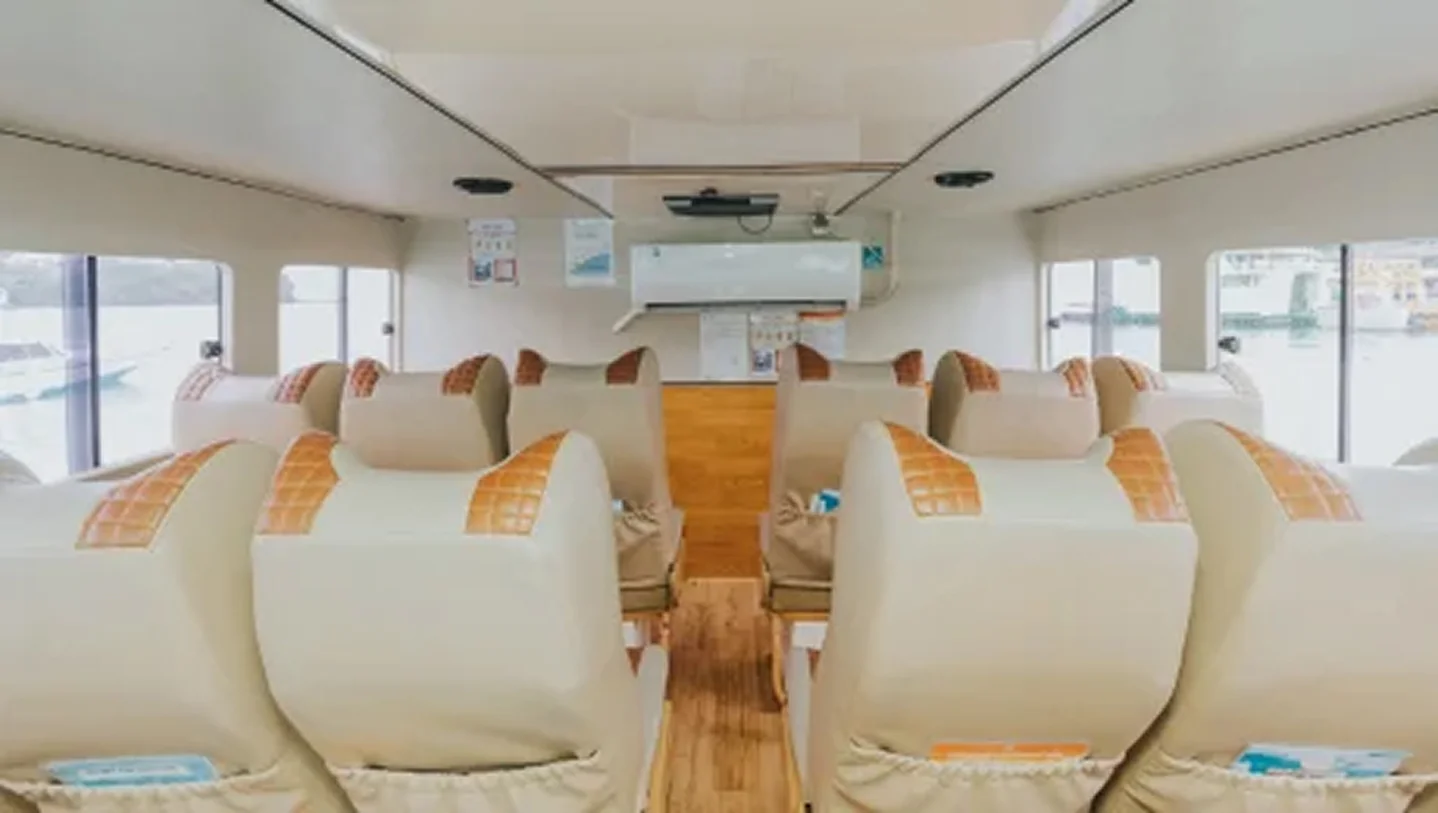
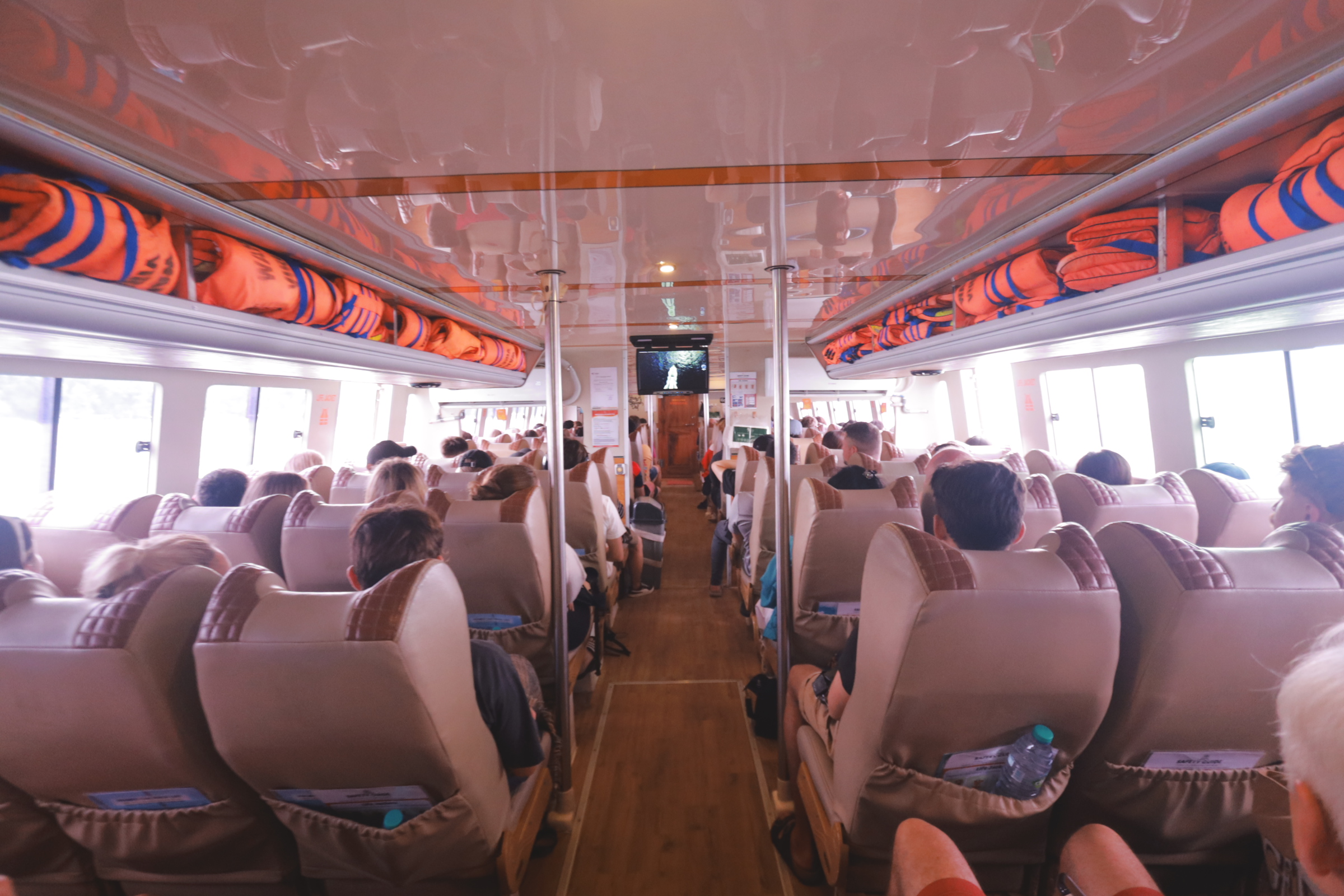
- Comfortable Seat: Ergonomic seating designed for long-duration sea travel.
- Foot Injection: Unique features aimed at enhancing passenger comfort.
- Digital Information: Real-time updates regarding your route and estimated arrival.
- Liferaft: Standard emergency equipment for maximum safety.
- Air Conditioner: A climate-controlled cabin to keep you cool under the tropical sun.
- Life Jacket: Readily available for every passenger.
- Sound In-door & Full Sound Out-door: High-quality audio systems for entertainment.
- Television & Toilet: Essential amenities to make the journey feel shorter.
- Safety Equipments: Fully compliant with international maritime safety standards.
Pro Tips for a Stable Connection While Moving
Maintaining a solid Wi-Fi on fast boat connection can be tricky due to the vessel’s movement and changing weather conditions. To ensure you stay online without frustration, follow these detailed tips:
1. Prioritize Low-Bandwidth Activities
While the connection is sufficient for daily tasks, the bandwidth at sea is shared among all passengers. To avoid lagging, focus on low-bandwidth activities such as sending WhatsApp messages, checking emails, or light social media browsing.
It is highly recommended to pause automatic cloud backups (like Google Photos or iCloud) and avoid streaming high-definition (4K) videos, which can quickly drain the shared data pool.
2. Position Yourself Near the Router Source
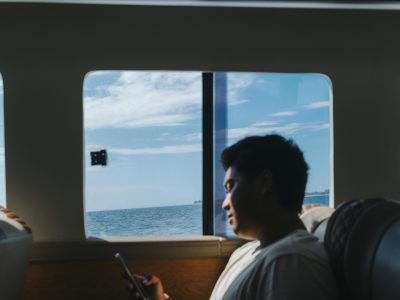
Signal strength often depends on your physical location within the boat. Routers are typically installed in the main indoor cabin or near the bridge (captain’s area).
If you notice the signal bars dropping, try moving toward the center of the air-conditioned cabin. Avoiding thick metal bulkheads or sitting too far out on the deck can significantly improve your Wi-Fi on fast boat signal stability.
READ MORE: 7 Must-Have Items for Bali Island Hopping and Fast Boat Trips
3. Use a VPN for Enhanced Data Security
Public networks, including those on fast boats, are convenient but can be vulnerable to security risks. Using a Virtual Private Network (VPN) is a smart way to encrypt your data. This ensures that your personal information, passwords, and browsing history remain private from other users on the same network, providing peace of mind while you surf the web in the middle of the ocean.
4. Manage Your Device Settings
Sometimes, your phone might struggle to maintain a connection because it keeps searching for land-based cellular towers. To fix this, you can try toggling Airplane Mode on and then off again to refresh your wireless radios.
Additionally, turning off “Wi-Fi Assist” (on iPhones) or Switch to Mobile Data (on Android) prevents your phone from disconnecting the Wi-Fi on fast boat network every time the signal fluctuates slightly.
Conclusion
Staying online while crossing the waves is easier today than ever before. By choosing a vessel with modern infrastructure and following these connectivity tips, you can enjoy a seamless Wi-Fi on fast boat experience.
Secure your journey to Nusa Penida today by booking through the official Wahana Virendra website or our Official WhatsApp for a guaranteed premium service.
Please be advised that bookings made via third-party platforms outside of our official channels are not the responsibility of Wahana Virendra should scheduling issues arise. Book directly through our official website or contact the Wahana Virendra Admin via WhatsApp to ensure your ticket validity and a comfortable trip to Nusa Penida.